CopilotChat
Inline chat component you can place anywhere and size as needed.
What is this?
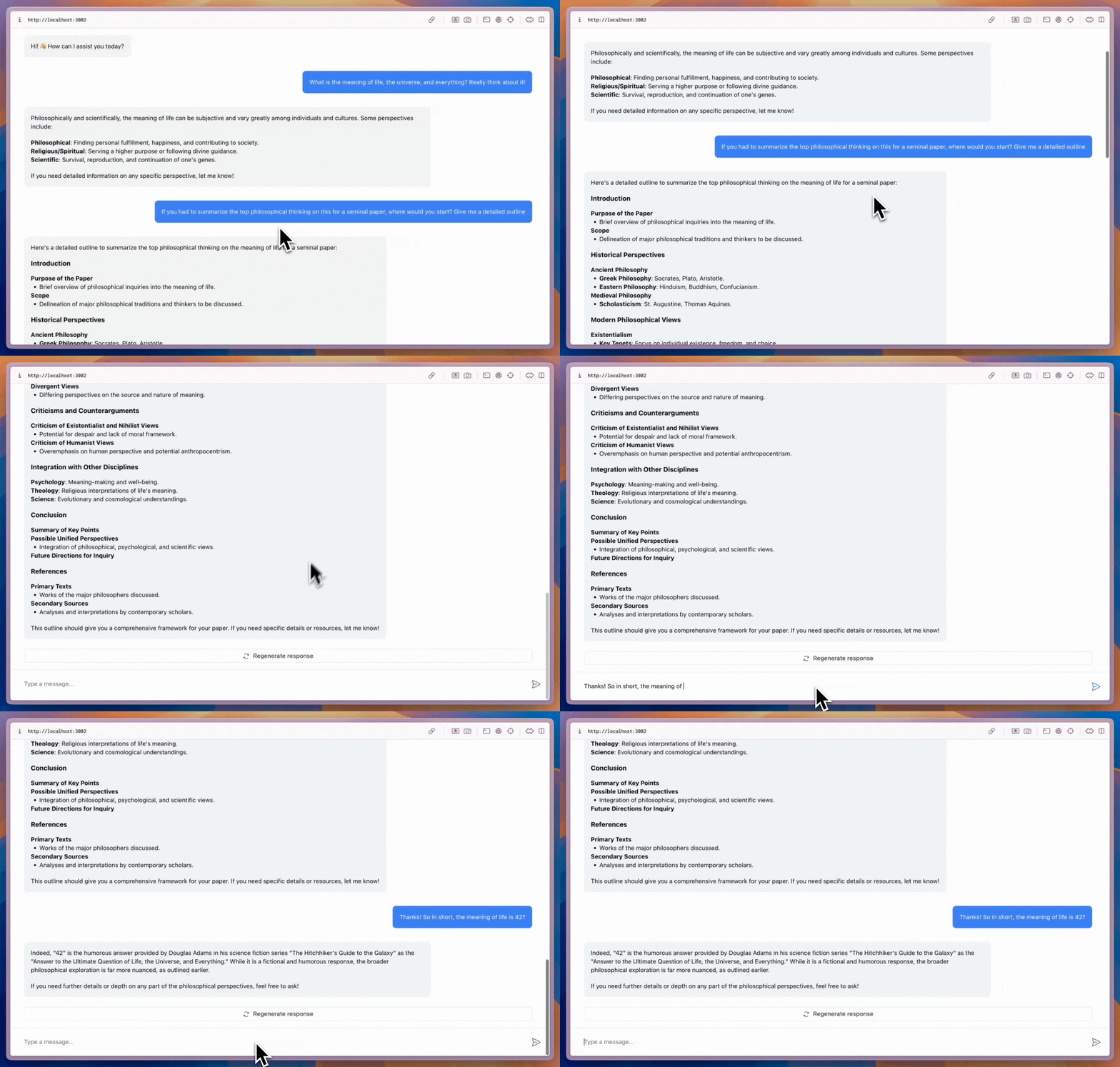
<CopilotChat> is the base prebuilt chat surface — drop it in wherever you
want the chat to render and size it to fit your layout. <CopilotSidebar>
and <CopilotPopup> are both thin wrappers over the same primitives; if you
need a dedicated chat page or an inline pane alongside other content, this
is the component you want.
When should I use this?
Use <CopilotChat> when you want:
- A full-bleed chat that fills its container
- An inline chat pane as part of a larger page
- A dedicated
/chatroute - Maximum layout freedom (no docked chrome or launcher)
For a collapsible docked chat, use CopilotSidebar. For a floating bubble that overlays content, use CopilotPopup.
Basic setup
Wrap your app in <CopilotKit> once — the provider wires the runtime, session,
and agent registry — then render <CopilotChat> inside the layout of your
choosing:
provider-setup not found in ms-agent-python::agentic-chat. Tag the relevant source lines with // @region[provider-setup] / // @endregion[provider-setup].Code example
// [!code word:CopilotChat]
import { CopilotChat } from "@copilotkit/react-core/v2";

export default function YourComponent() {
  return (
    <CopilotChat
      labels={{
        modalHeaderTitle: "Your Assistant",
        welcomeMessageText: "Hi! How can I assist you today?",
      }}
    />
  );
}
Common props
<CopilotChat> is the root primitive — <CopilotSidebar> and <CopilotPopup>
accept the same slots and labels, plus a few wrapper-specific props.
| Prop | Description |
|---|---|
agentId | Agent slug the chat should talk to (must match an agent configured on the runtime). |
labels | User-facing copy — header title, placeholder, welcome, disclaimer. |
messageView | Slot for the message list — see slots. |
input | Slot for the composer area (text area, send button, disclaimer). |
scrollView | Slot for the scroll container (e.g. custom feather/gradient). |
suggestionView | Slot for the suggestion pills shown below messages. |
welcomeScreen | Slot for the empty-state. Pass false to disable. |
Styling
<CopilotChat> is fully themable:
- CSS variables / class overrides — see CSS customization
- Slots (subcomponents) — see slots
- Fully headless — see headless UI
<CopilotChat
  agentId="my-agent"
  labels={{
    modalHeaderTitle: "Your Assistant",
    welcomeMessageText: "Hi! How can I assist you today?",
  }}
  messageView={{
    assistantMessage: {
      className: "bg-gray-50 rounded-xl p-4",
    },
  }}
/>