4d4bd19
CopilotKitDocs
  • Docs
  • Integrations
  • Reference
  • Free Developer Access
Get Started
QuickstartCoding Agents
Concepts
ArchitectureGenerative UI OverviewOSS vs Enterprise
Agentic Protocols
OverviewAG-UIAG-UI MiddlewareMCPA2A
Build Chat UIs
Prebuilt Components
CopilotChatCopilotSidebarCopilotPopup
Custom Look and Feel
CSS CustomizationSlots (Subcomponents)Fully Headless UIReasoning Messages
Multimodal AttachmentsVoice
Build Generative UI
Controlled
Tool-based Generative UITool RenderingState RenderingReasoning
Your Components
Display ComponentsInteractive Components
Declarative
A2UIDynamic Schema A2UIFixed Schema A2UI
Open-Ended
MCP Apps
Adding Agent Powers
Frontend ToolsShared State
Human-in-the-Loop
HITL OverviewPausing the Agent for InputHeadless Interrupts
Sub-AgentsAgent ConfigProgrammatic Control
Agents & Backends
Built-in Agent
Backend
Copilot RuntimeFactory ModeAG-UI
Runtime Server AdapterAuthentication
Built-in Agent (TanStack AI)
Advanced ConfigurationMCP ServersModel SelectionServer Tools
Observe & Operate
InspectorVS Code Extension
Troubleshooting
Common Copilot IssuesError Debugging & ObservabilityDebug ModeAG-UI Event InspectorHook ExplorerError Observability Connectors
Enterprise
CopilotKit PremiumHow the Enterprise Intelligence Platform WorksHow Threads & Persistence WorkObservabilitySelf-Hosting IntelligenceThreads
Deploy
AWS AgentCore
What's New
Full MCP Apps SupportLangGraph Deep Agents in CopilotKitA2UI Launches with full AG-UI SupportCopilotKit v1.50Generative UI Spec SupportA2A and MCP Handshake
Migrate
Migrate to V2Migrate to 1.8.2
Other
Contributing
Code ContributionsDocumentation Contributions
Anonymous Telemetry
Built-in Agent (TanStack AI)Prebuilt Components

Prebuilt Components

Drop-in chat components with a full customization ladder — from pure CSS to fully headless.

Want users to resume conversations across sessions?
Persistent threads ship with the Enterprise Intelligence Platform. Try it for free.
Get Intelligence free

Pre-built components for agentic chat#

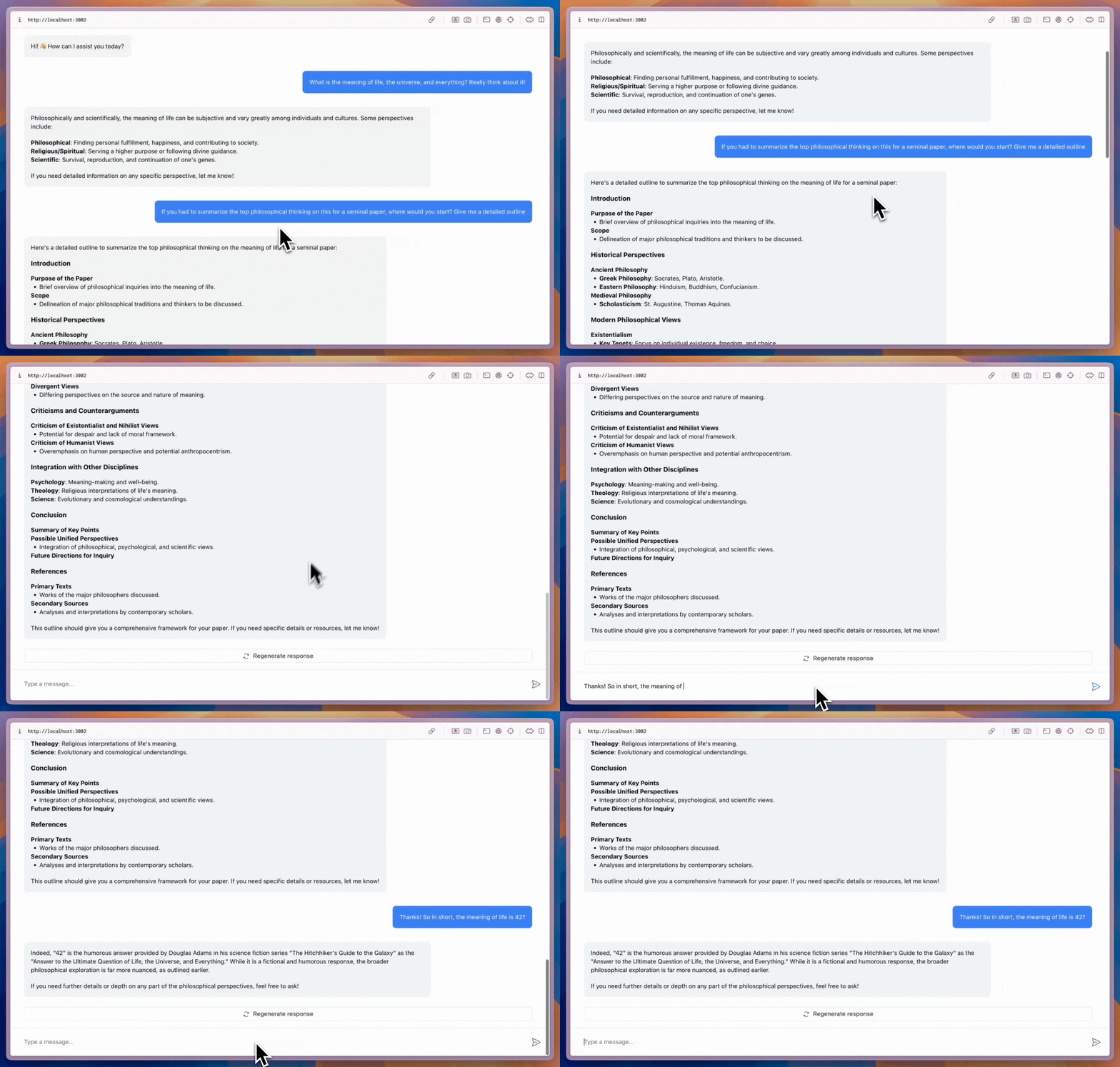
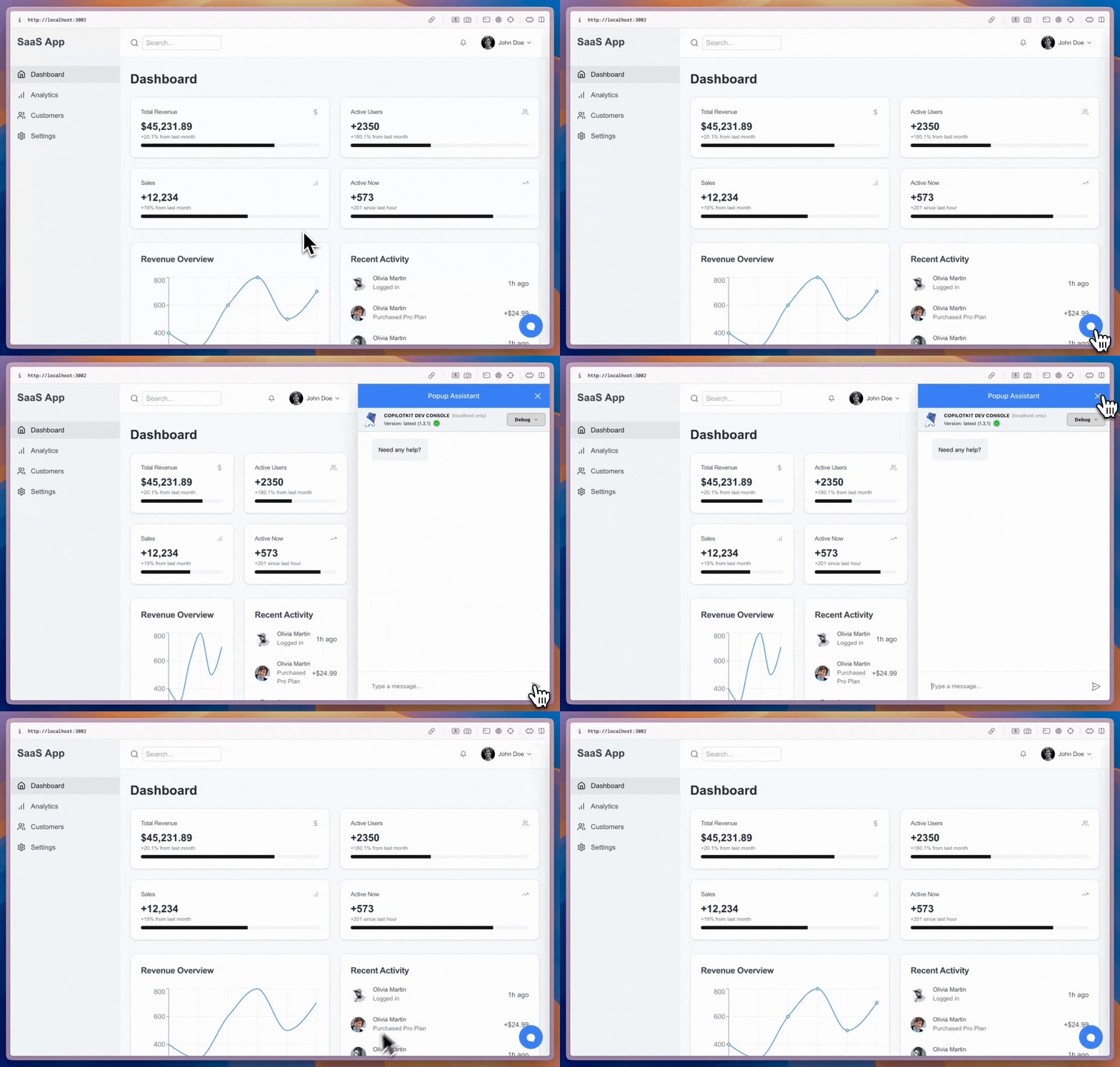
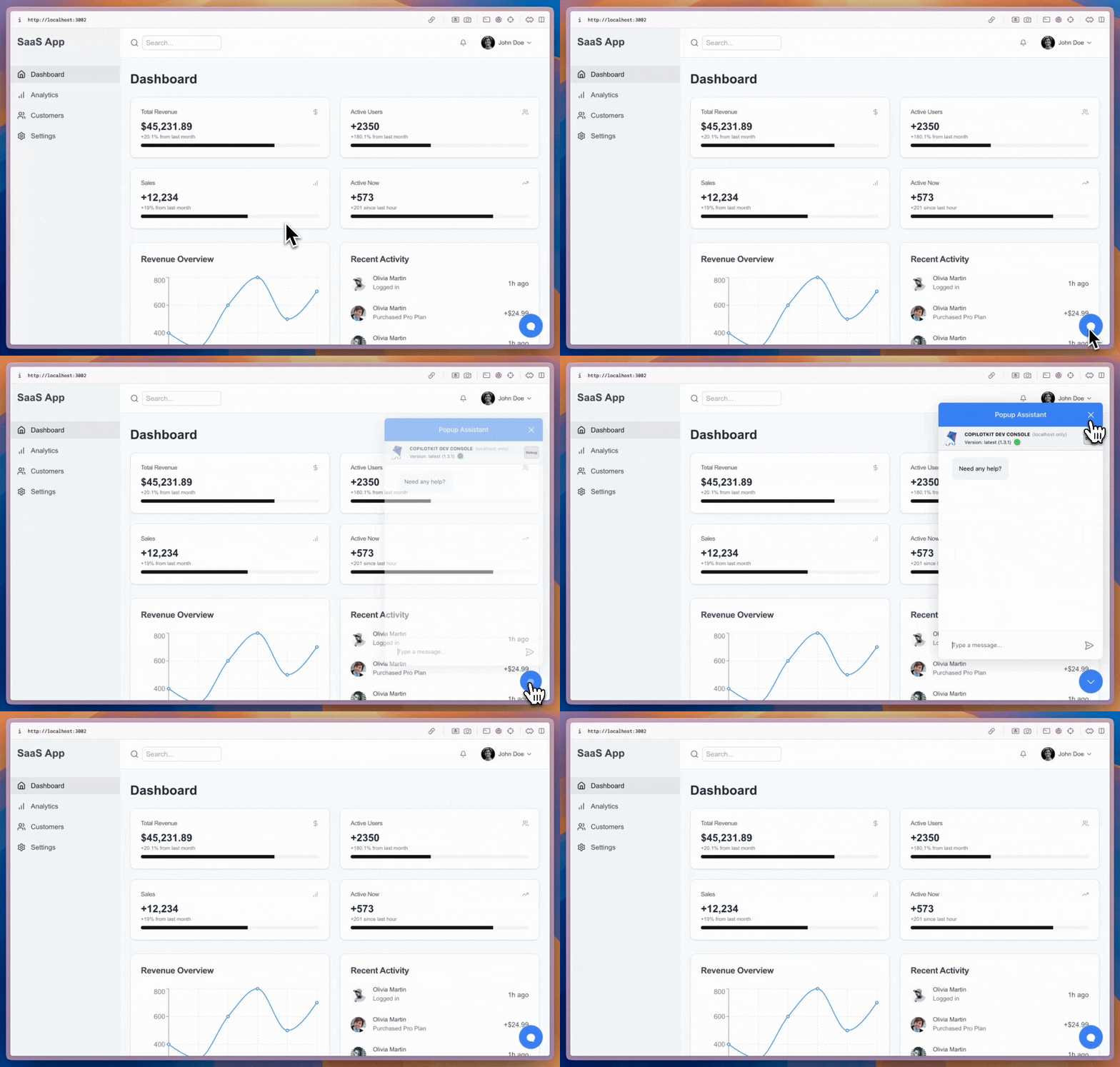
CopilotKit ships three prebuilt chat surfaces that connect directly to your agent: CopilotChat, CopilotSidebar, and CopilotPopup. Each is a wrapper around the same primitives with a different layout; pick the one that fits your app and you're done. They all handle streaming, generative UI, and deep customization out of the box.

Live Demo: Built-in Agent (TanStack AI) — agentic-chatOpen full demo →

The customization ladder#

One of CopilotKit's design principles is that you should never have to throw the prebuilt UI away to get the look you want. Start at the top of this ladder and step down only when you need more control.

Level 1 · Easiest
Drop in as-is

Render <CopilotChat>, <CopilotSidebar>, or <CopilotPopup> and ship. Streaming, tool calls, generative UI, and suggestions, all wired up.

Level 2 · Re-skin
Customize with CSS

Override theme tokens (--copilot-kit-primary-color, etc.) or target .copilotKit... classes. Keep every feature, change every color.

Level 3 · Recompose
Customize via slots (subcomponents)

Swap the welcome screen, message bubble, composer, disclaimer, header, or toggle button with your own React component. Recursive; drill down as deep as you want.

Level 4 · Full control
Go fully headless

Compose your own chat from the low-level hooks (useAgent, useCopilotKit, useRenderToolCall). Any layout, any design system, or even non-chat surfaces.

Everything below Level 1 is incremental: you can freely mix CSS variables, a custom welcome slot, and headless tool-call renderers in the same app. Nothing forces you to throw work away as your needs grow.

Drop-in chat in a few lines#

Wrap your app in <CopilotKit> and drop <CopilotChat> where the chat should live. The provider wires the runtime, the session, and the agent registry. Everything else is optional configuration:

frontend/src/app/page.tsx — provider + chat
L13–15
    <CopilotKitProvider runtimeUrl="/api/copilotkit" useSingleEndpoint>
      <Demo />
    </CopilotKitProvider>

Starter suggestions#

useConfigureSuggestions lets you seed the chat with contextual prompts the moment a user arrives. The example below uses a single "Write a sonnet" suggestion:

frontend/src/app/page.tsx — suggestions
L19–24
  useConfigureSuggestions({
    suggestions: [
      { title: "Write a sonnet", message: "Write a short sonnet about AI." },
    ],
    available: "always",
  });

Pick a surface#

Each surface is a drop-in component with the same underlying primitives, differing only in layout.

  • <CopilotChat> — inline chat pane you can place anywhere and size to fit.
  • <CopilotSidebar> — collapsible sidebar docked to the edge of your app.
  • <CopilotPopup> — floating bubble that overlays your page content.